What do you need to do in Parlor?
Step-by-step guides with a screenshot of each screen. We follow every guide in the live app before it goes up, and each guide shows the date we last checked it.
Getting started
Create the studio, add services and opening hours, and share the booking link.
1 guide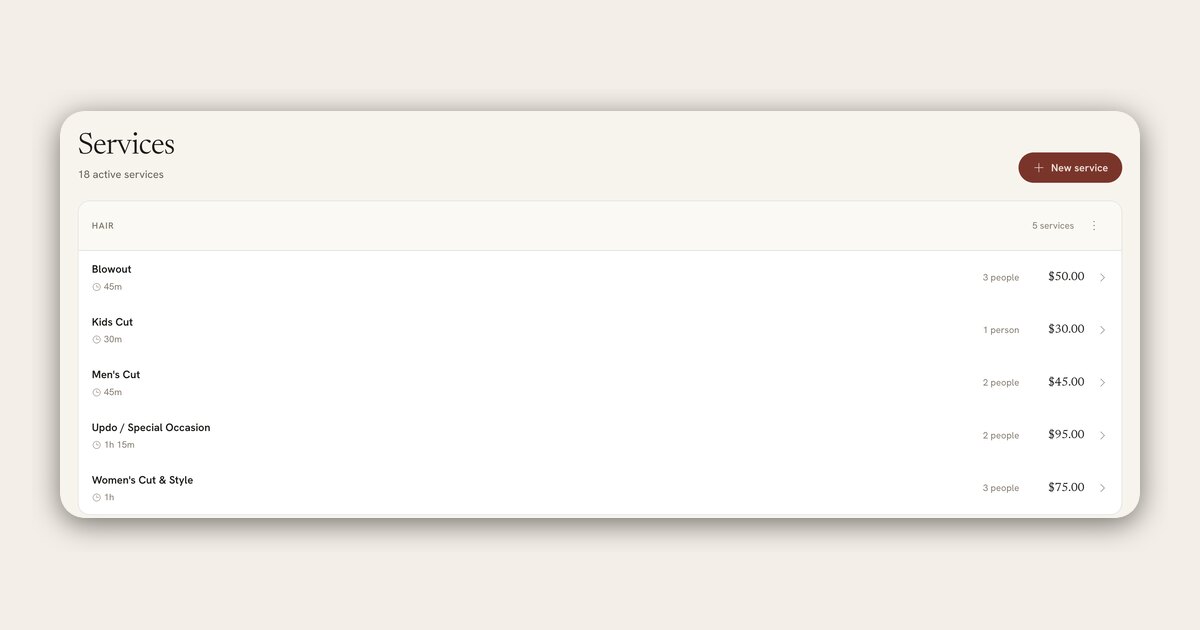
Booking and the calendar
Set opening hours, approve booking requests, and work the calendar and waitlist.
1 guide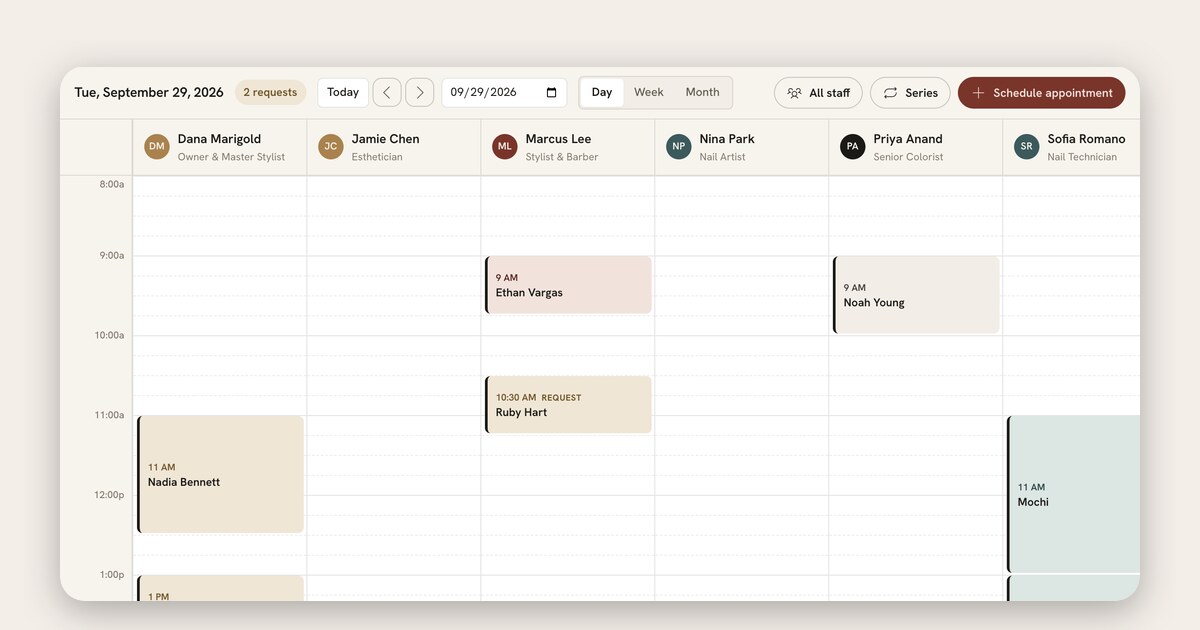
Checkout and payments
Settle a ticket, take a card at the front desk or by payment link, refund a charge, and find your payouts.
1 guide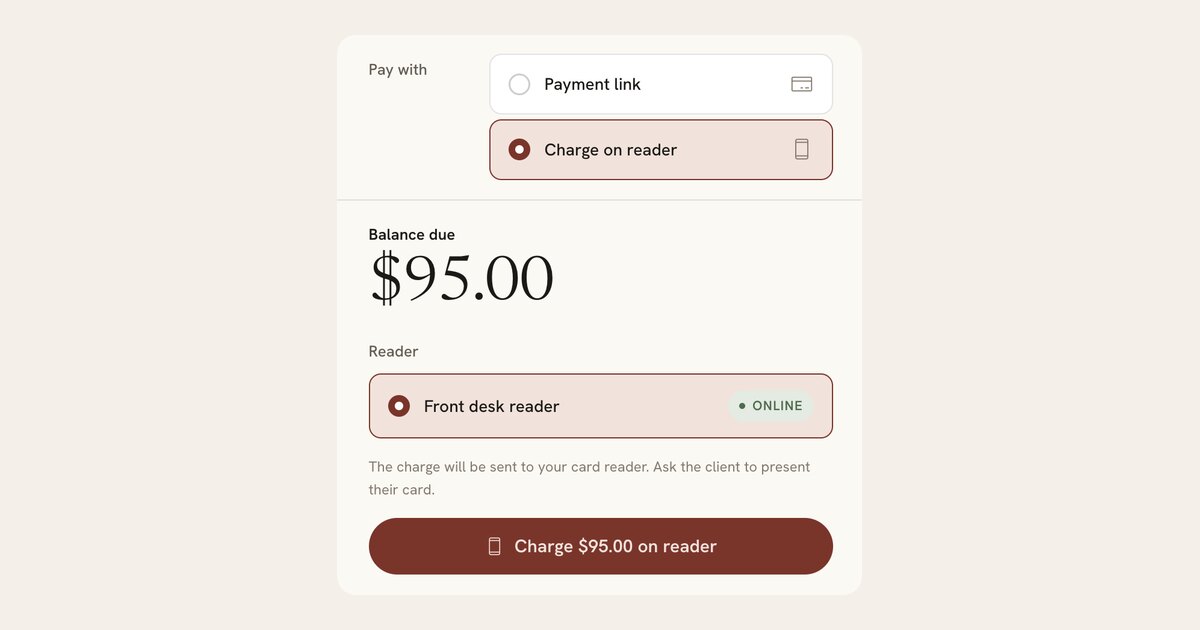
Gift cards, packages and memberships
Sell gift cards, session packages and monthly memberships, and redeem them at checkout.
2 guides-
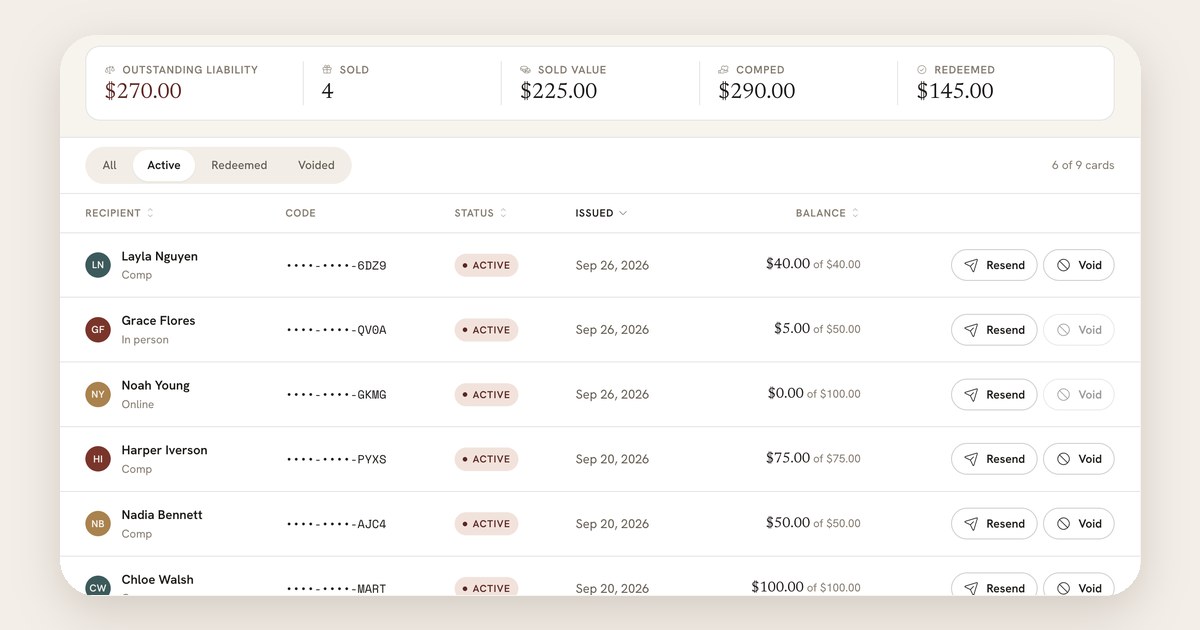
How to sell gift cards, give a comp card, and redeem them at checkout
Share the link clients buy gift cards from, sell one at the front desk, give a card for free, take it off a ticket at checkout, and refund or void a card.
Read the guide -
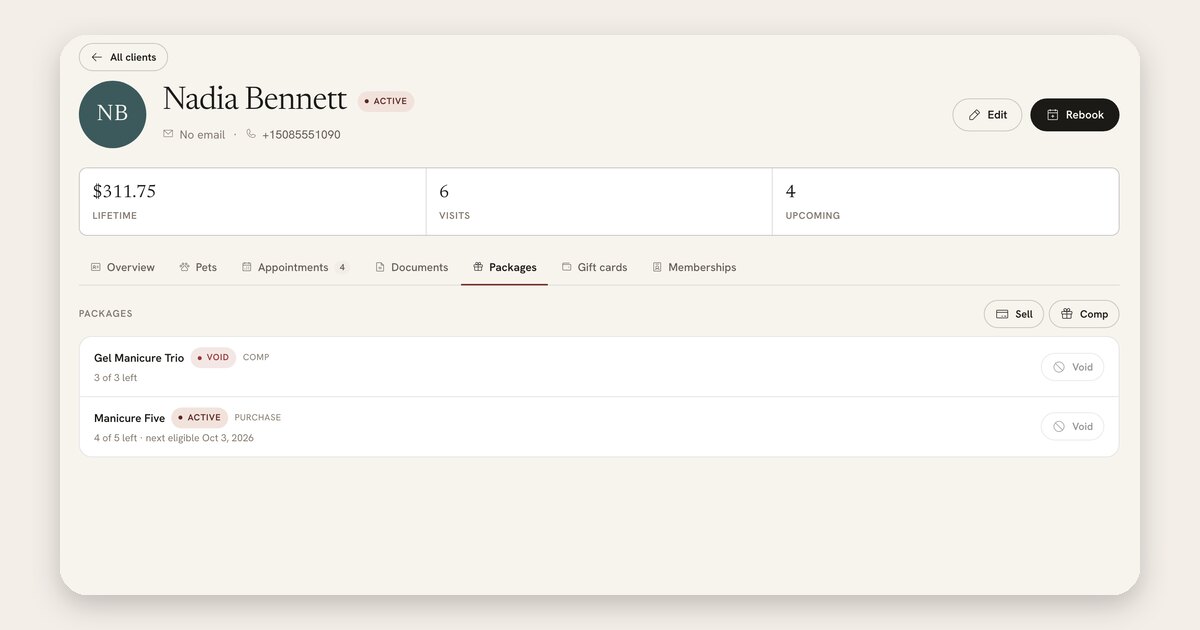
How to sell session packages and redeem them at checkout
Set up a package of prepaid sessions, sell it to a client or give it free, take a session off at checkout, and void or retire a package.
Read the guide
Forms
Write intake and consent forms, attach them to services, and see who has signed.
2 guides-
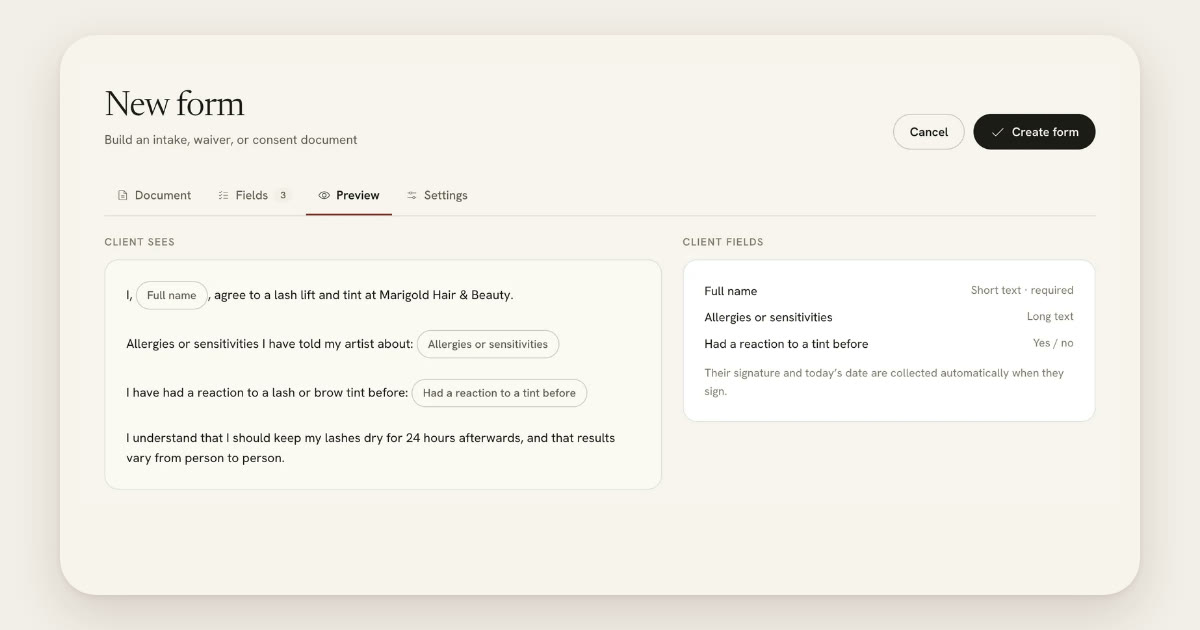
How to build a consent or intake form and send it with a service
Write the form your clients sign, turn its blanks into questions, send it automatically when a service is booked, and see who has signed.
Read the guide -
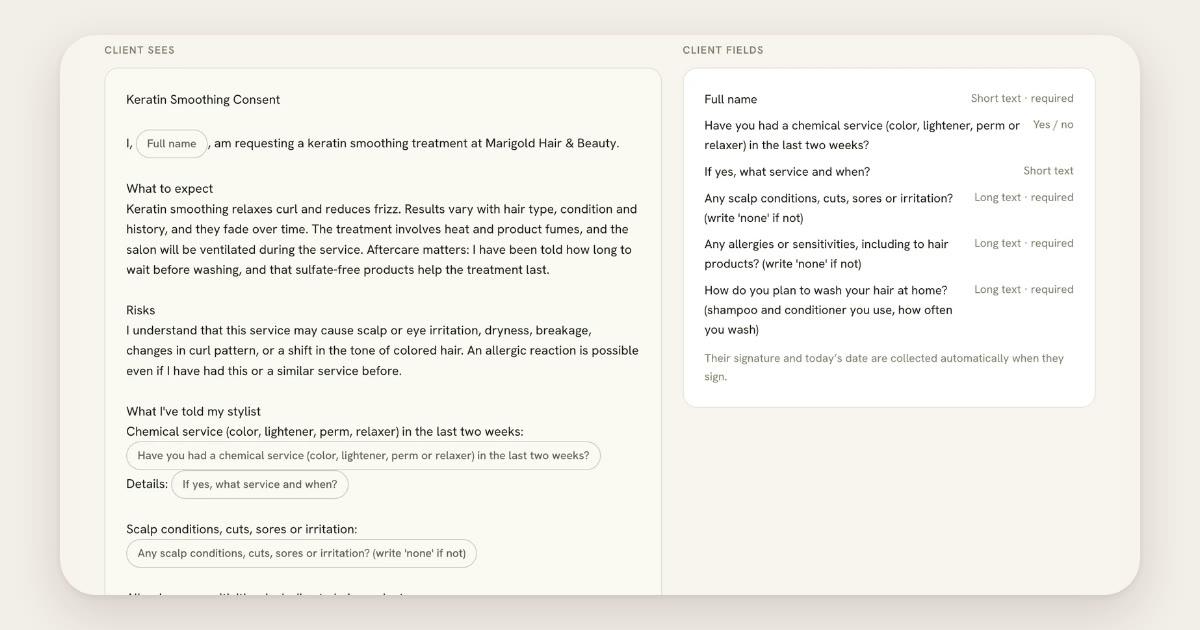
How to draft a form by describing it to the assistant
Describe the consent or intake form you need in your own words, read the draft the assistant writes, fix anything by hand, and save it as an ordinary form.
Read the guide
Clients
Bring your client list over and keep notes, visits, documents and pets on each client.
1 guide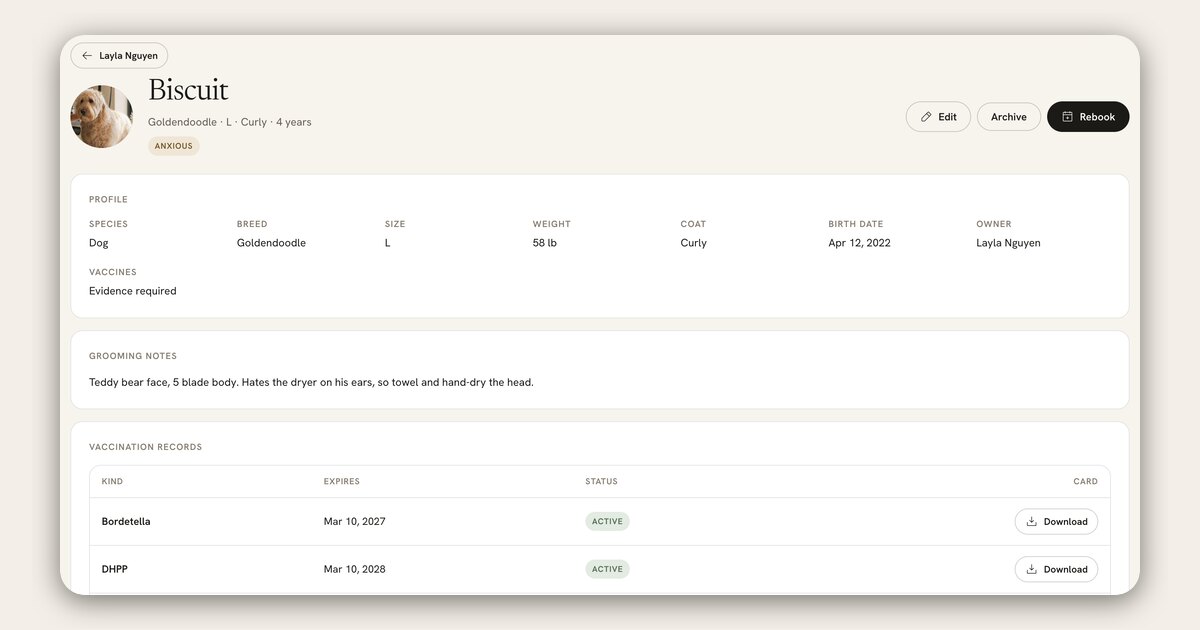
Team and roles
Invite staff, choose what each role can do, and set each provider’s hours.
1 guide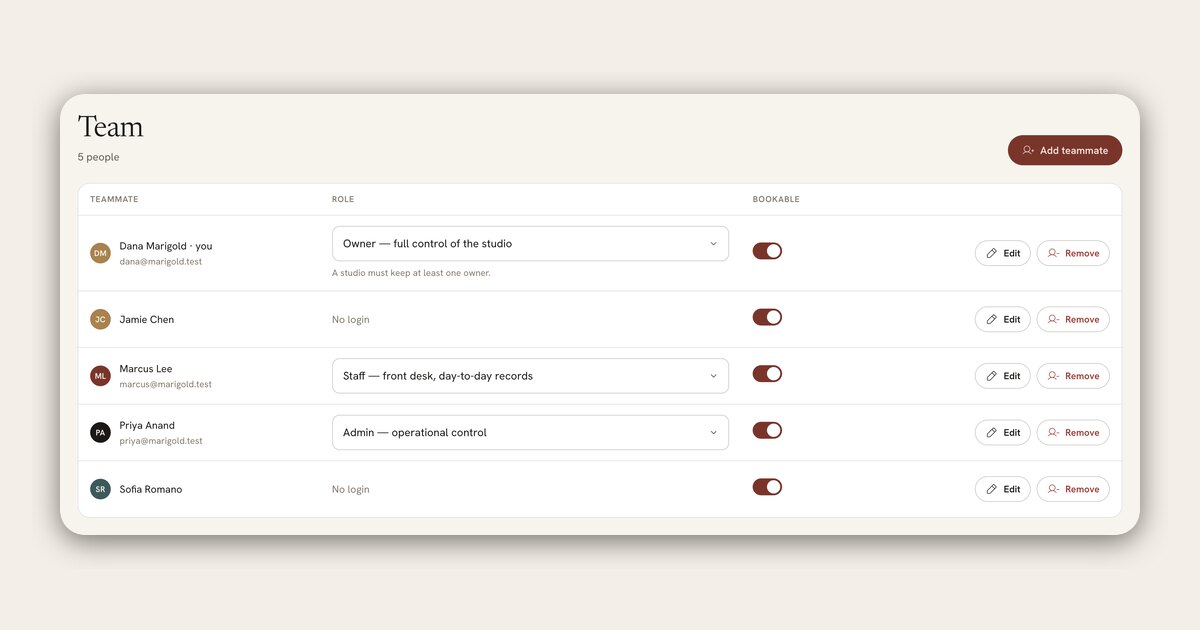
Your account
Sign in without a password, change your plan, and edit studio settings.
1 guide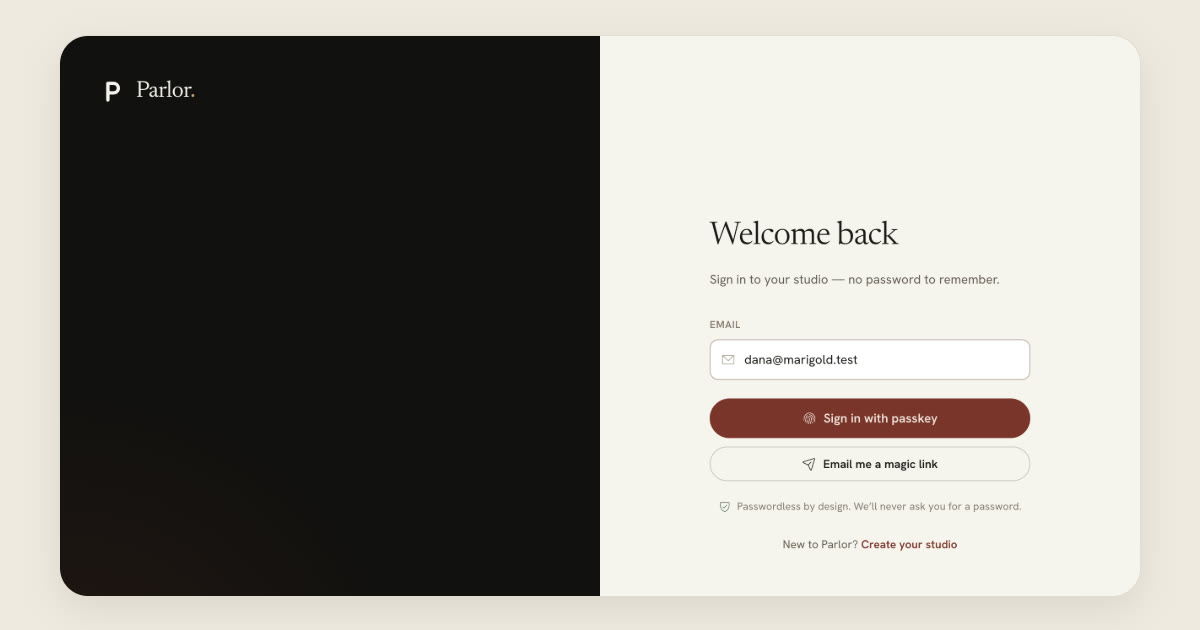
Can’t find the guide you need?
Email us what you’re trying to do in Parlor. A person who works on Parlor answers, and a question we get more than once becomes a guide here.